Open your domain’s settings
Click Domains in the top menu. On the domain’s row, click the ⋯ menu and choose Manage Domain. (Clicking the domain name itself opens your website, not its settings.)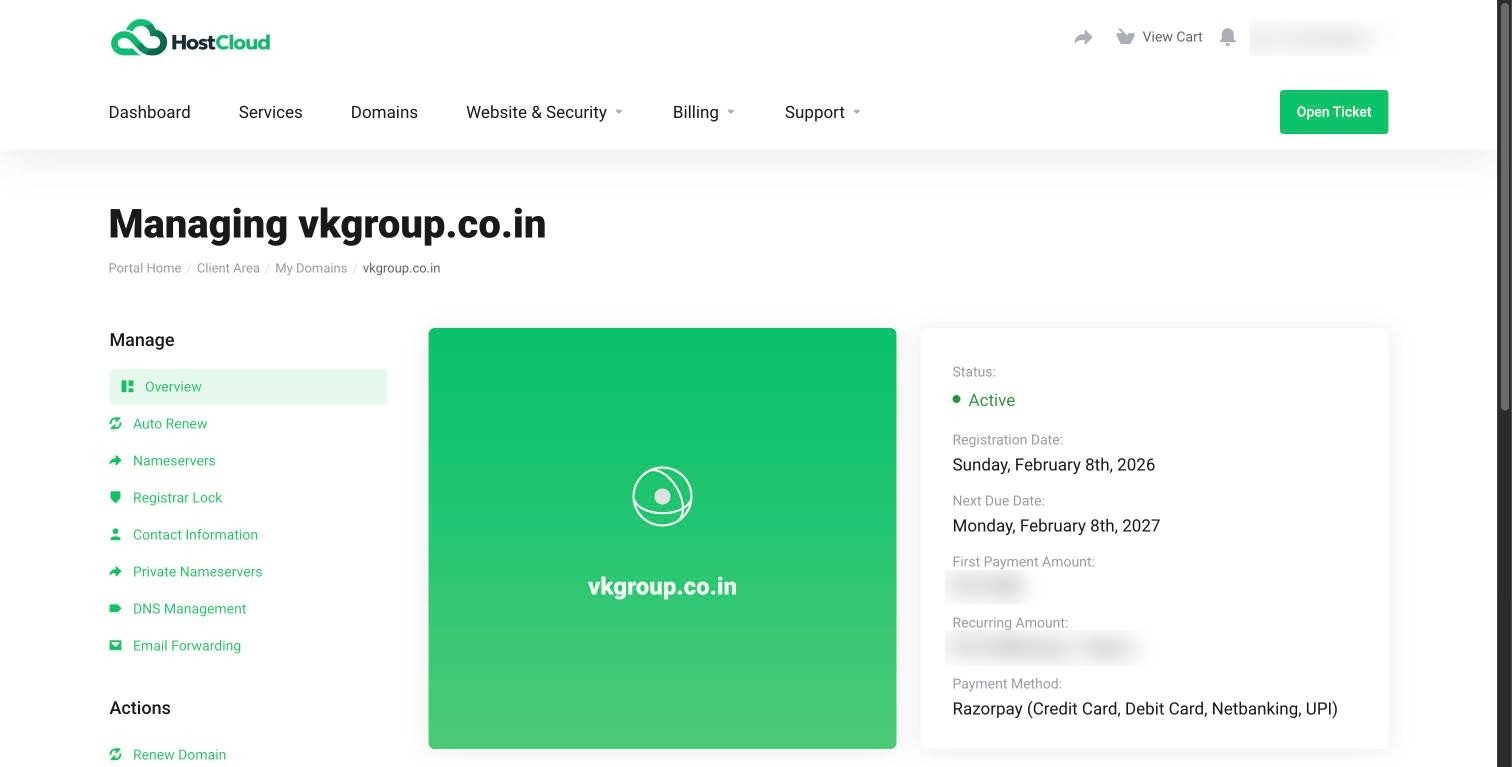
Auto-renew
When auto-renew is on, we send you a renewal invoice before your domain expires. Pay it and your domain renews.1
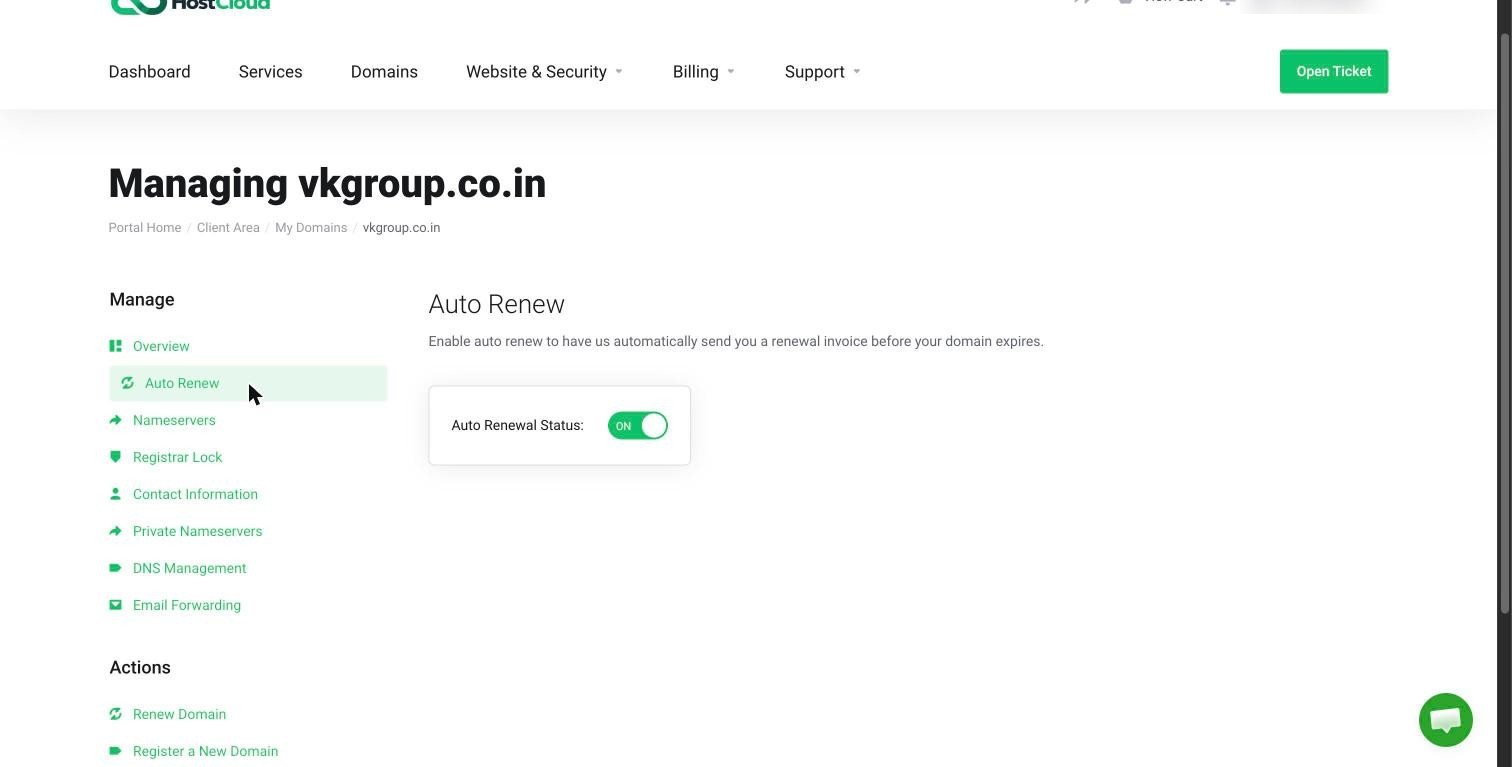
Open Auto Renew
In the domain’s sidebar, click Auto Renew.
2
Set the toggle
Switch Auto Renewal Status to ON. Switch it off only if you want the domain to expire at the end of its term.
A free domain that came with your hosting renews automatically only while that hosting service is active. If you cancel the hosting or let it lapse, renew the domain yourself.
Registrar lock
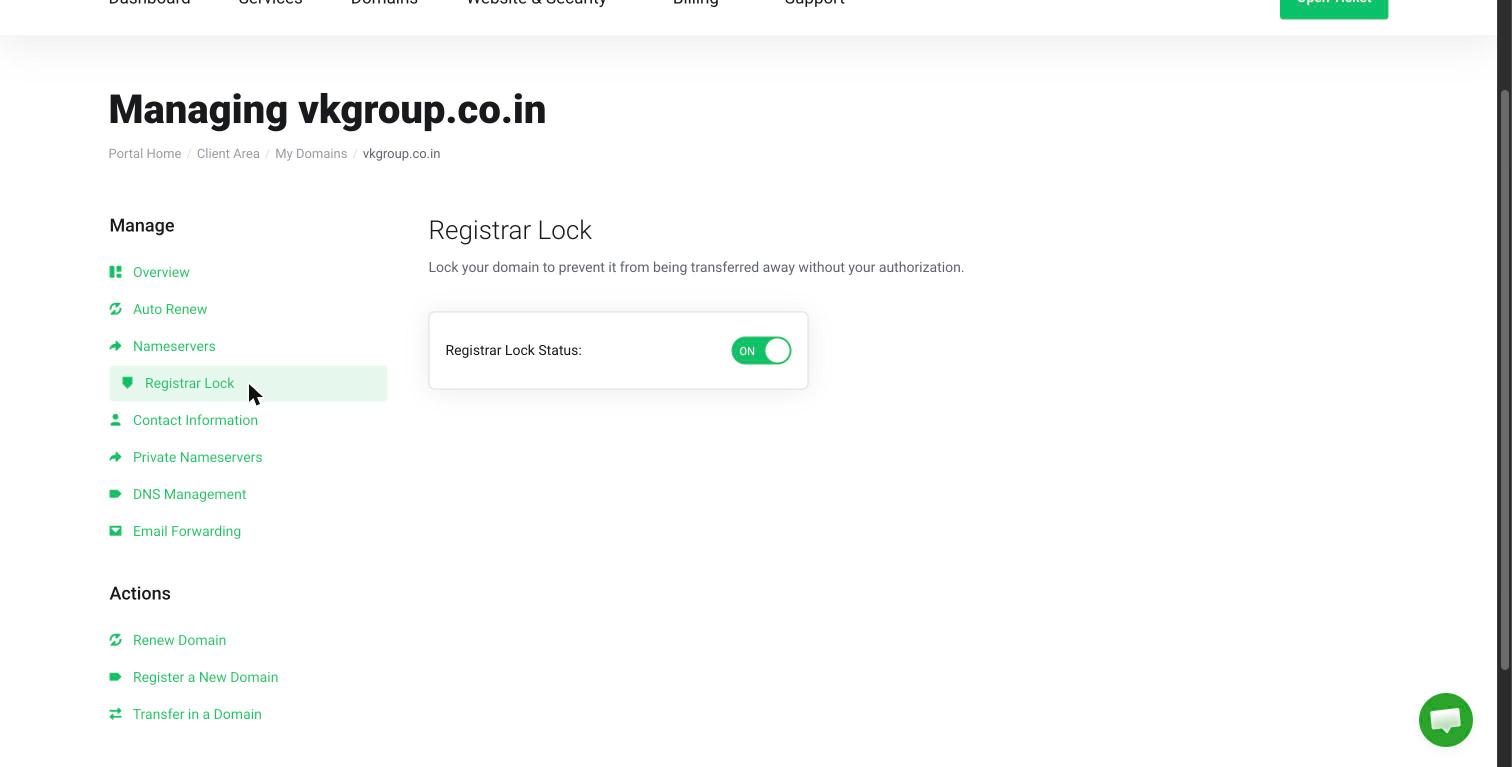
Registrar lock stops your domain being transferred to another provider without your permission. Keep it on unless you’re moving the domain away from HostCloud.1
Open Registrar Lock
In the domain’s sidebar, click Registrar Lock.
2
Set the toggle
Switch Registrar Lock Status to ON to lock the domain, or OFF only when you’re ready to transfer it out.