

yourbusiness.in. This guide shows you how to find an available name and register it in a few minutes.
Register a new domain
1
Start a domain search
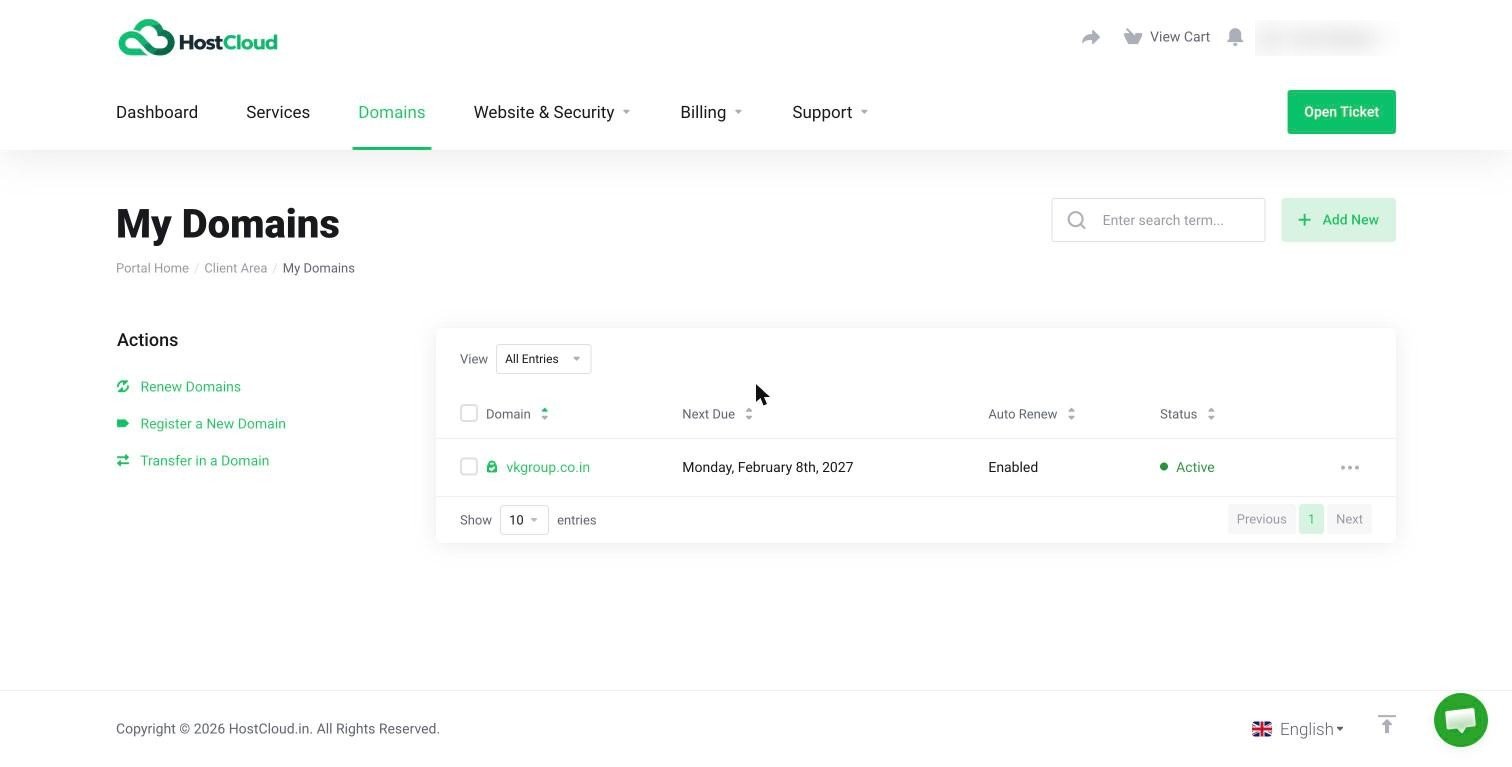
Search for a domain on hostcloud.in. If you already have an account, you can also log in to the Client Area, click Domains in the top menu, then click Register a New Domain in the Actions sidebar on the left.
2
Pick an available name
Type the name you want. If it’s taken, try a different extension (such as
.in, .co.in or .com) or a slightly different name. Click Add to Cart next to the one you want.3
Choose how many years
You can register a domain for 1 to 10 years at a time. A longer term means fewer renewals to remember.
4
Check out and pay
Review the Order Summary, complete checkout and pay the invoice. New customers create their HostCloud account at this step.
After you register
- Hosting with HostCloud? Your domain needs to point to your hosting. See Point your domain to HostCloud.
- Keep it renewed. Turn on auto-renew so you get a renewal invoice before it expires. See Auto-renew and registrar lock.