

Registrar lock
When registrar lock is on, nobody can transfer your domain to another provider, not even with the EPP code. Keep it on unless you’re moving the domain away.1
Open the domain
In the Client Area, click Domains in the top menu. On the domain’s row, click the ⋯ menu and choose Manage Domain.
2
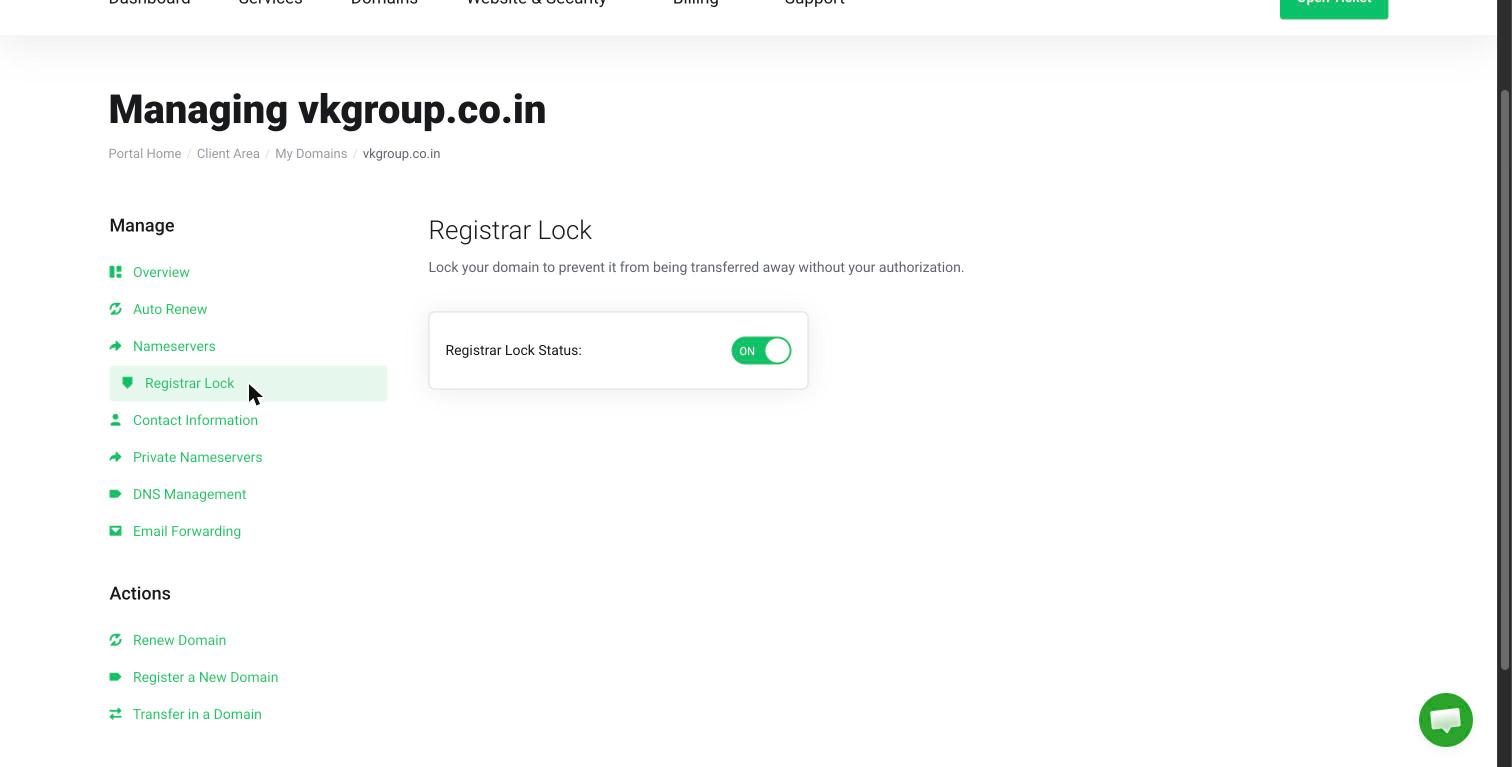
Open Registrar Lock
In the sidebar, click Registrar Lock.
3
Set the toggle
Switch Registrar Lock Status to ON.
Privacy protection
Every domain has contact details, such as a name, address, email and phone number, stored by the domain registry. For many extensions, some of these details can be looked up by anyone (this is called a WHOIS lookup). Privacy protection replaces your details with substitute ones in public lookups, which cuts down on spam and scam calls. [[TODO: whether HostCloud offers domain privacy (ID) protection, which extensions it covers, whether it’s free or paid, and how to turn it on (for example, the domain’s Addons tab)]].in domains, including .co.in, don’t allow privacy protection under the .IN registry’s rules. Their contact details must be accurate. See .in domain rules.