A firewall blocks every connection to your server except the ones you allow. This guide shows you how to set one up with UFW, a simple firewall for Ubuntu and Debian.
Always allow SSH before you turn the firewall on, or you’ll lock yourself out. If that happens, use the browser console to fix it. See Use the browser console and rescue mode.

Set up UFW

First, connect to your VPS with SSH.
1

Install UFW

2

Block incoming, allow outgoing

3

Allow SSH

If you changed your SSH port, allow that port instead, for example sudo ufw allow 2222/tcp.
4

Allow what your server needs

For a website:
5

Turn it on

Type y to confirm.

Manage rules

Only open ports you actually use. For example, don’t open a database port (such as 3306) to everyone. Allow it only from the IP addresses that need it.

AlmaLinux, Rocky Linux or Fedora?

These use firewalld instead of UFW:

Firewall tab in the Client Area

You can also attach a firewall from the Firewall tab on your server panel. It filters traffic before it reaches your server, and one firewall can protect several of your servers at once. If you use it as well as UFW, a connection must be allowed by both.
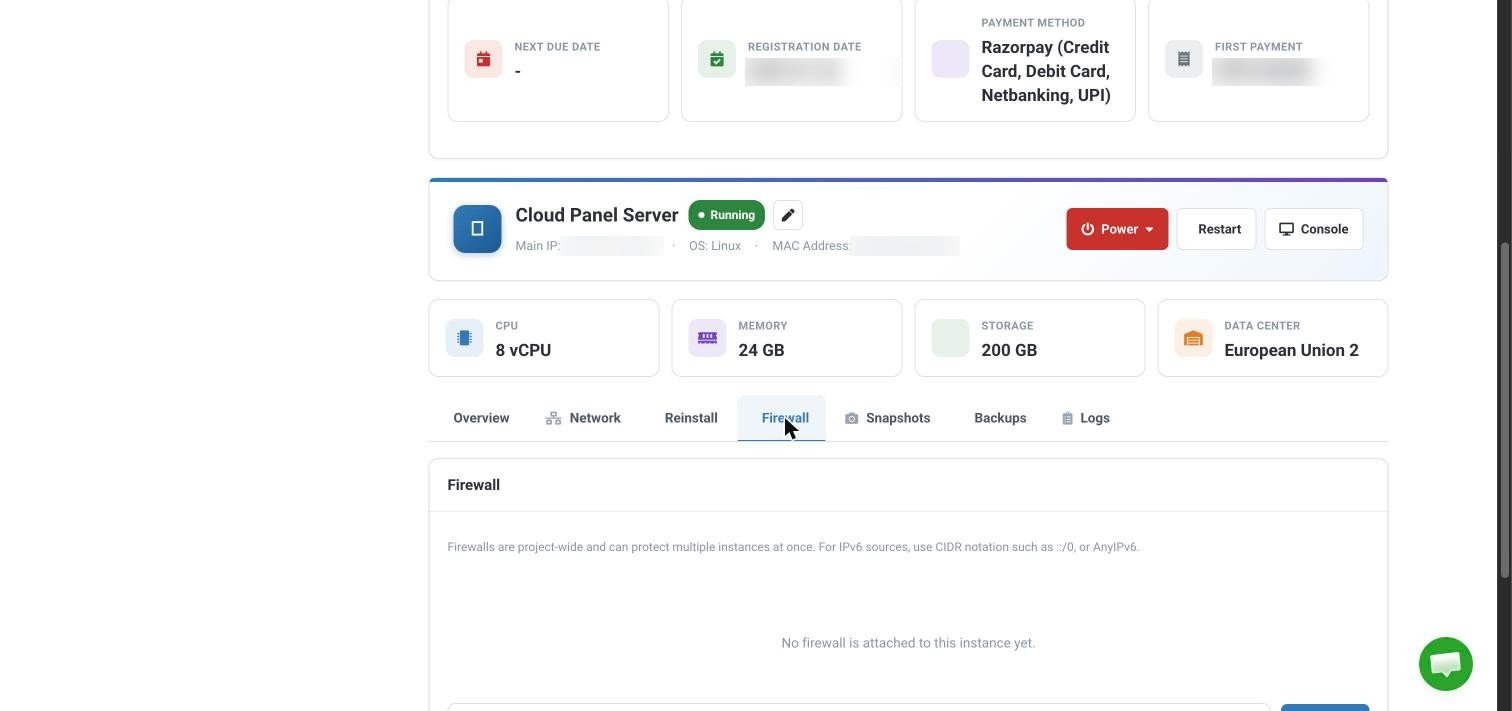
The Firewall tab on the VPS server panel, showing that no firewall is attached yet
Still stuck? Open a ticket with your server’s IP address.